The Norn Terminal UI provides an interactive pull-request review workspace in the terminal.
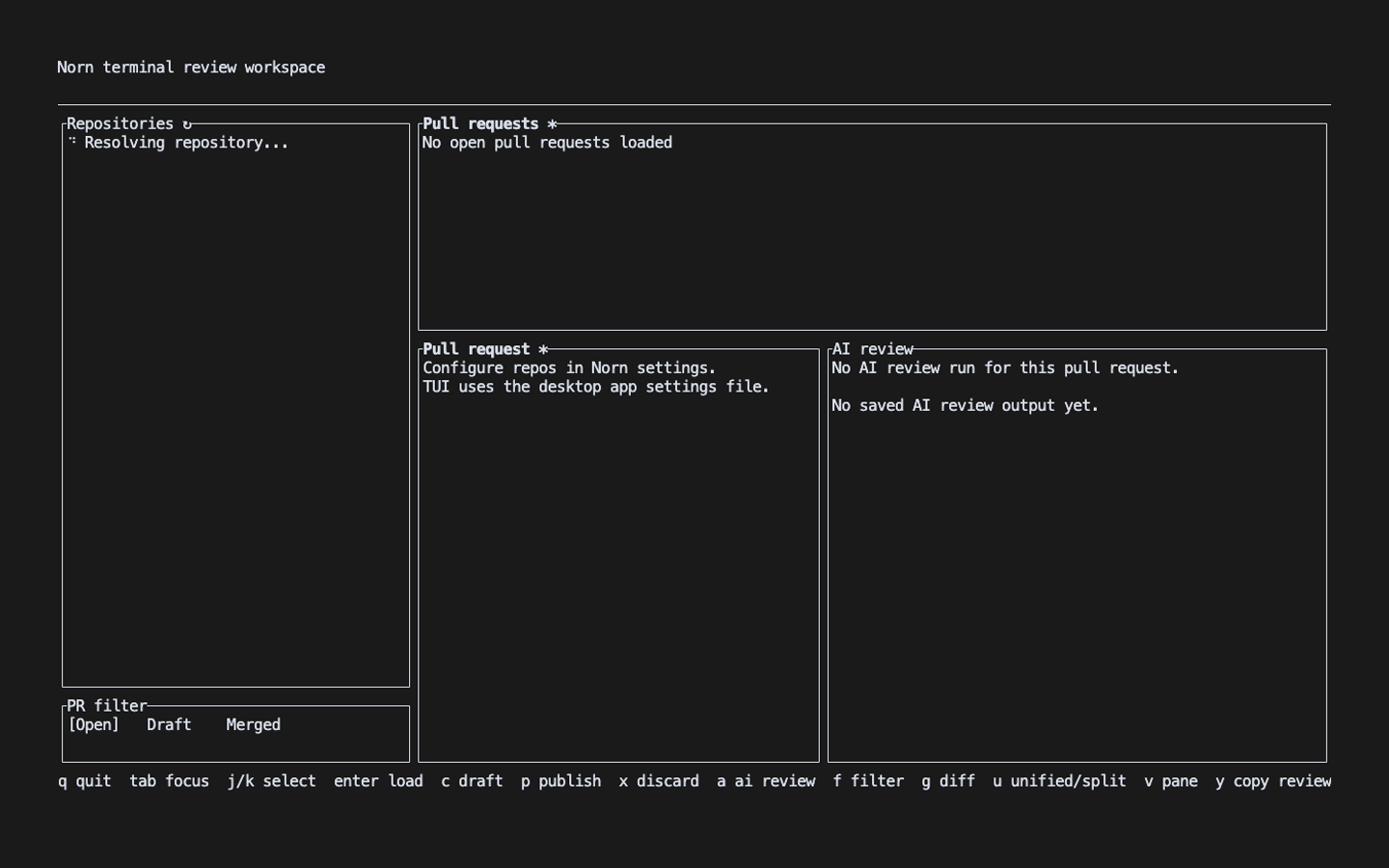
Launch modes
From a supported Git repository, run either command:
norn
norn-tui
Norn resolves the current repository from its Git remote and opens its pull requests. To start from the configured repository list instead, use:
norn-tui --workspaceThe TUI runs a readiness preflight before opening. Use norn doctor to inspect
and resolve failures rather than routinely skipping the preflight.
Main workflow
The interface is divided into repository, pull-request, and detail areas. The detail view can show pull-request information, AI review output, or the diff.
Common keys:
j/kor arrow keys: move through the active list;Tab: move focus between panes;Enter: open the selected pull request;g: open or close the diff view;u: switch between unified and side-by-side diffs;i: switch the image side for supported image changes;v: toggle pull-request and AI-review detail;a: start an AI review;y: copy AI review output;c: compose a local comment draft;p: publish drafts;x: discard drafts;f: cycle the pull-request filter;r: refresh the active view;s: open AI provider settings;qorEsc: quit.
AI settings
Press s from the main interface to open Norn settings. The footer keeps this
shortcut visible on compact terminals.

The settings screen lets you:
- select Claude or Codex;
- choose or enter custom model and reasoning-effort values;
- inspect sanitized GitHub and Bitbucket credential state;
- add or replace credentials with masked input;
- remove only keychain-backed credentials;
- refresh Claude and Codex CLI readiness.
Use j / k to select a field, left/right arrows to cycle presets, e or
Enter to edit, d to remove the selected credential, v to refresh
readiness, s to save, and Esc to cancel.
Credentials
The TUI stores newly entered provider credentials in the OS keychain. It
resolves credentials from the keychain first, then from environment-variable
references in ~/.config/norn/config.toml, and finally from standard provider
environment variables. Raw token values are never rendered in the settings
panel.